Less extra. More balance.
BLNC splits your money into slots, shows what you can spend today, and gives you something good to do with it.
Free. English and Arabic. Your data stays on your phone.
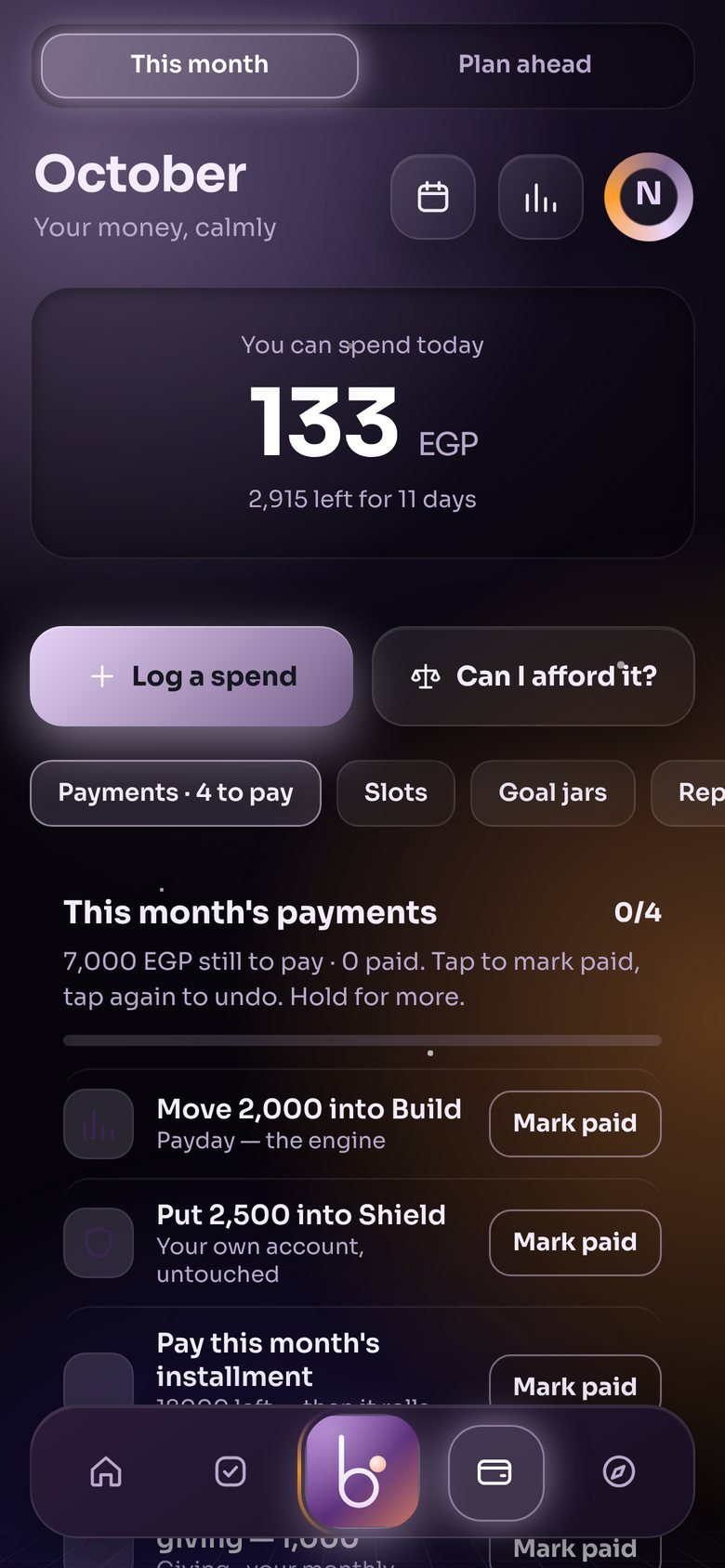
Know what you can spend today
Tell BLNC what comes in and what has to go out. It puts your money in slots for living, savings, bills, giving and fun, then shows one number: what is yours to spend today.
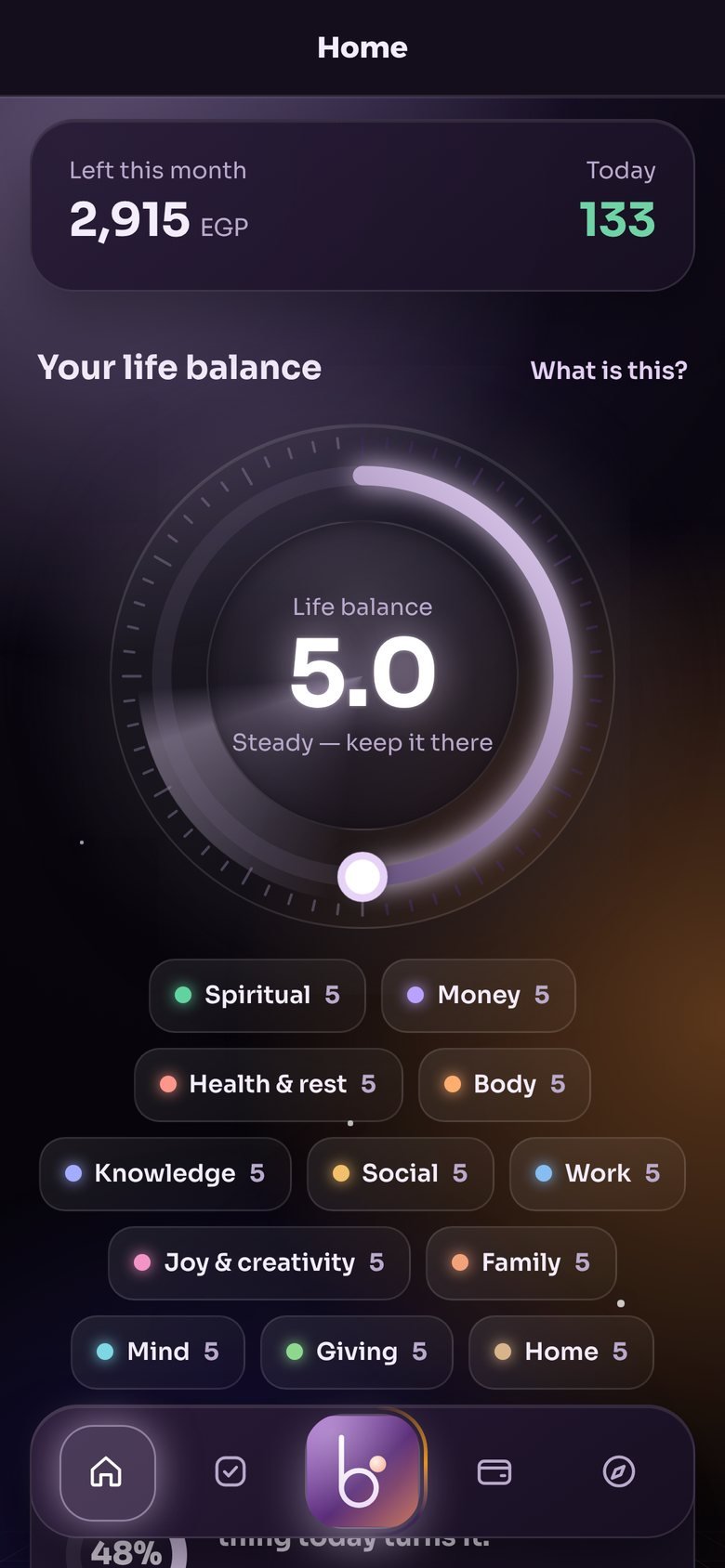
Balance more than money
Habits, people, health, faith, learning and fun each get a place. Log what you did and watch your week find its balance. A missed day is rest, not failure.
Something good to do, at your price
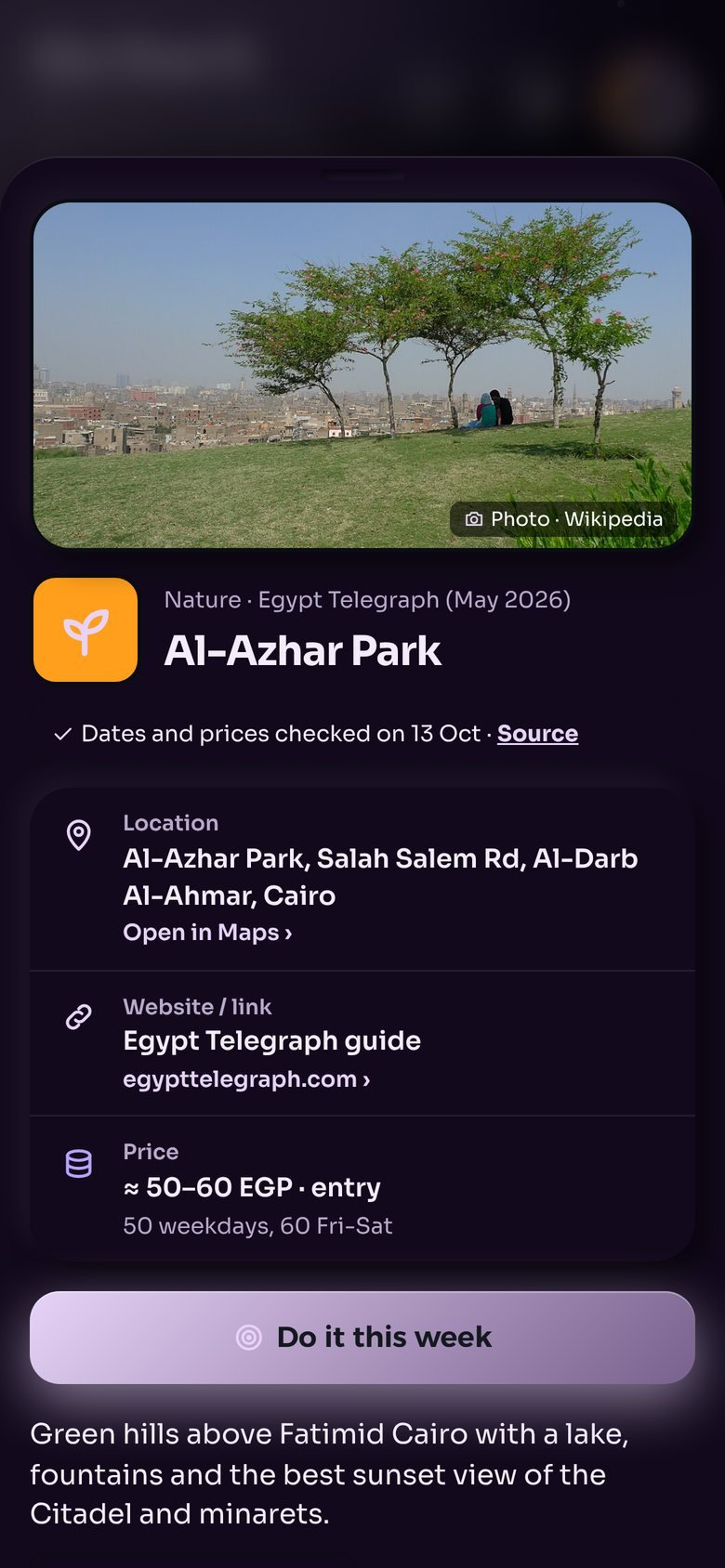
Explore picks cafés, walks, museums, events and trips in Cairo, priced against what is left in your fun money. Plan it with a friend in two taps.
Your money stays on your phone.
No bank login, no ads, no selling your data. Backup is optional and locked with your password before it leaves your phone, so not even we can read it.
Read the privacy policyStart in two minutes
- Open blnclife.com/appOn your phone, in Chrome or Safari.
- Add it to your home screenAndroid: the menu, then "Install app". iPhone: Share, then "Add to Home Screen".
- Answer a few questionsYour income, what has to be paid, and what you want to save for. Every field shows an example.